
What's happening in
Vishal Parekh • October 19, 2026
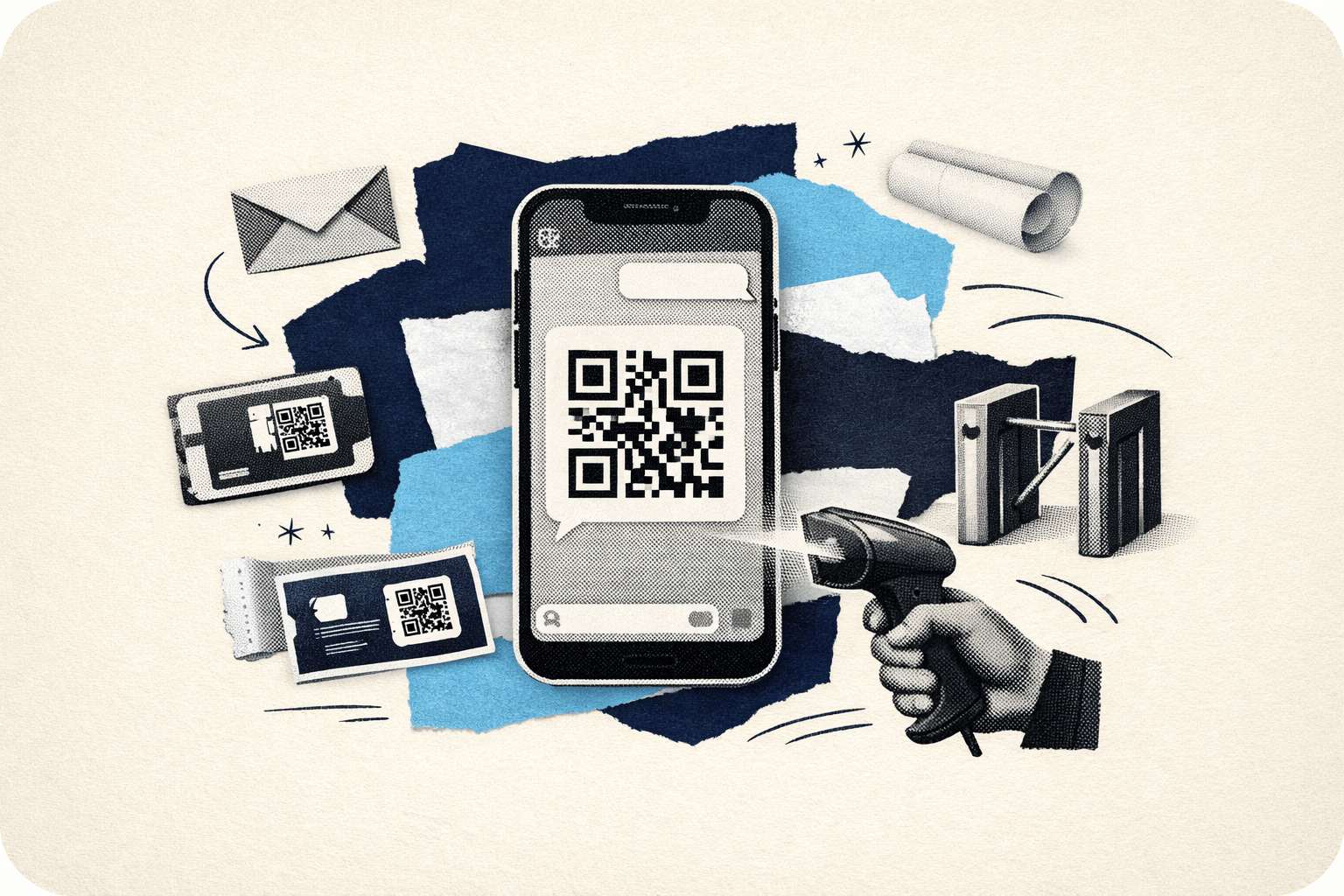
If you are new to whatsapp ticket delivery, it is normal to wonder what happens after you pay and how you actually get into the event. Many buyers are used to printed tickets or app-based wallets, so a digital-only flow can feel unfamiliar at first.
On Tykkit, the process is simple. After booking, your ticket is delivered instantly on WhatsApp and email. This guide explains what that digital ticket looks like, how the digital ticket QR code is used at entry, and whether you need to print anything before you go.
WhatsApp ticket delivery means your event ticket is sent directly to your WhatsApp chat after you complete your booking. Instead of waiting for a courier, collecting a physical pass, or downloading a separate app, you receive a digital ticket on your phone.
Tykkit also sends your ticket by email, which gives you a second copy for easy access. That combination helps reduce confusion for first-time buyers because your ticket is available in two familiar places.
For many people, this answers the first big concern: How do I receive my ticket after booking? On Tykkit, you receive it instantly on WhatsApp and email.
If you are asking, how does whatsapp ticket delivery work, here is the basic flow:
That is the full idea in practical terms. There is no extra app requirement in this flow, and there is no separate physical ticket collection step mentioned here.
The goal is to make entry easier by sending your ticket directly to channels you already use every day. If you are still new to the platform, you may also want to read the first-timer’s guide to booking on Tykkit.
A digital ticket is the electronic version of your event pass. While the exact layout can vary, buyers should expect a mobile-friendly ticket format that includes the information needed for entry.
The most important part is usually the digital ticket QR code. This is the scannable code shown on your ticket and used for gate verification.
Your digital ticket is meant to be opened on your phone, so it should be easy to present at the venue entrance. In most cases, buyers do not need to think about complicated setup.
The key thing is simple: keep the ticket message or email accessible so you can show it when asked.
The QR code on a digital ticket is used for entry scanning. When you arrive at the event, the gate staff scans the code to verify your ticket.
This matters because it replaces the old habit of handing over a printed ticket or paper pass. Instead of checking a physical stub, the team checks the digital code on your screen.
In simple terms, the QR code helps answer another common question: how does whatsapp ticket work at the venue? It works by turning your phone into your ticket. You open the ticket, the team scans the code, and that scan is used to process your entry.
For most buyers, this is the biggest question: do i need to print my ticket?
The short answer in a digital-delivery flow like this is no — the ticket is designed to be used digitally. Since Tykkit delivers the ticket on WhatsApp and email, the normal use case is to show it on your phone at the venue for scanning.
That means you generally do not need to take a printout just to enter. The whole point of whatsapp ticket delivery is convenience: book, receive, open, and show.
Still, it is smart to follow a few basic steps before you leave:
These are not special platform rules. They are simply helpful habits whenever you are using a digital ticket.
For first-time digital buyers, gate entry can feel like the most uncertain part. In reality, it is usually the simplest step.
Here is what normally happens:
This can be from WhatsApp or from your email inbox. As long as you can access the ticket clearly, you are ready for the next step.
At the gate, the event staff or scanning team will ask to see your ticket. They will usually focus on the QR code or other visible booking details.
This is the main verification step. The code is scanned at entry to confirm the ticket.
Once the ticket is accepted, you proceed inside.
That is the practical answer to how does whatsapp ticket delivery work in real life. It is not a separate complicated process after checkout.
The delivery and entry system are connected: your ticket reaches you digitally, and that same digital ticket is used for scanning at the venue.
For hesitant buyers, the biggest trust issue is often not the booking itself. It is the fear of not receiving the ticket properly after payment.
WhatsApp ticket delivery helps reduce that worry because the ticket arrives in a familiar, easy-to-check place.
Here are some reasons this method feels easier for many users:
For buyers comparing platforms and buying experiences, this can be a useful difference to understand. If you want broader context, read Tykkit vs BookMyShow vs Insider.in: Which Ticketing Platform Should You Use?
If you are worried that you may miss the WhatsApp message or lose track of the email, the most useful thing is to check both channels carefully after booking. Since Tykkit sends the ticket instantly on WhatsApp and email, you have two places to look.
A few practical tips:
If your concern is about booking policies after purchase, you can also review How to Get a Refund on Tykkit: Step-by-Step Guide.
Yes, digital entry is now a familiar format for many live events. Buyers who are used to paper tickets sometimes assume digital tickets are less reliable, but the opposite is often true in practice: a direct mobile-delivery flow can be quicker and easier to access when done properly.
The important thing is not whether the ticket is printed or digital. The important thing is whether the ticket is valid, accessible, and scannable at the gate.
With Tykkit’s WhatsApp delivery and email backup, the process is designed around that exact need.
If you are still deciding what to attend, you can browse ideas in discover events near you with Tykkit.
If you have been wondering how does whatsapp ticket work, the process is straightforward. After booking on Tykkit, your ticket is delivered instantly on WhatsApp and email.
That ticket includes a QR code, and you use it for entry scanning at the venue. You usually do not need to print anything. Just keep your digital ticket ready on your phone, open it at the gate, and let the team scan it.
Book your next event on Tykkit and see whatsapp ticket delivery in action.
After booking on Tykkit, your ticket is delivered instantly on WhatsApp. A copy is also sent to your email, so you can access it from either channel.
You open the ticket on your phone when you arrive at the venue, and the entry team scans the QR code on your digital ticket at the gate.
No. In this digital-delivery flow, the ticket is designed to be used on your phone. Since Tykkit sends it on WhatsApp and email, the normal use case is to show it digitally for scanning.
The digital ticket QR code is used for entry scanning. When you arrive at the event, gate staff scans the code to verify your ticket.
Check both WhatsApp and your email inbox carefully after booking. You can also search your WhatsApp chats for the ticket message, keep the ticket accessible before you leave, and avoid deleting the message until after the event.

.png&w=3840&q=75)
.png&w=3840&q=75)